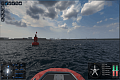
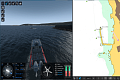
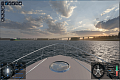
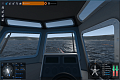
Purpose:
The SCS simulator is intended to acquire and drill practical skills of navigators in operating small and pleasure crafts, as well as the implementation of COLREGs and the rules of navigation on inland waterways in order to ensure the safety of navigation.
Knowledge and skills
The following knowledge and skills are worked out with the use of SCS:
- Handling and maneuvering
- Basic High and Low Speed Operations
- Anchoring
- Mooring
- Implementation of rules of the road
- Entering marina at day and night
- Steering a course and use of magnetic compass
- Boat handling in restricted waters
- Astern maneuvering
- High speed maneuvering
- Maneuvering in high sea conditions
- Towing
- Use of radar and chart plotter
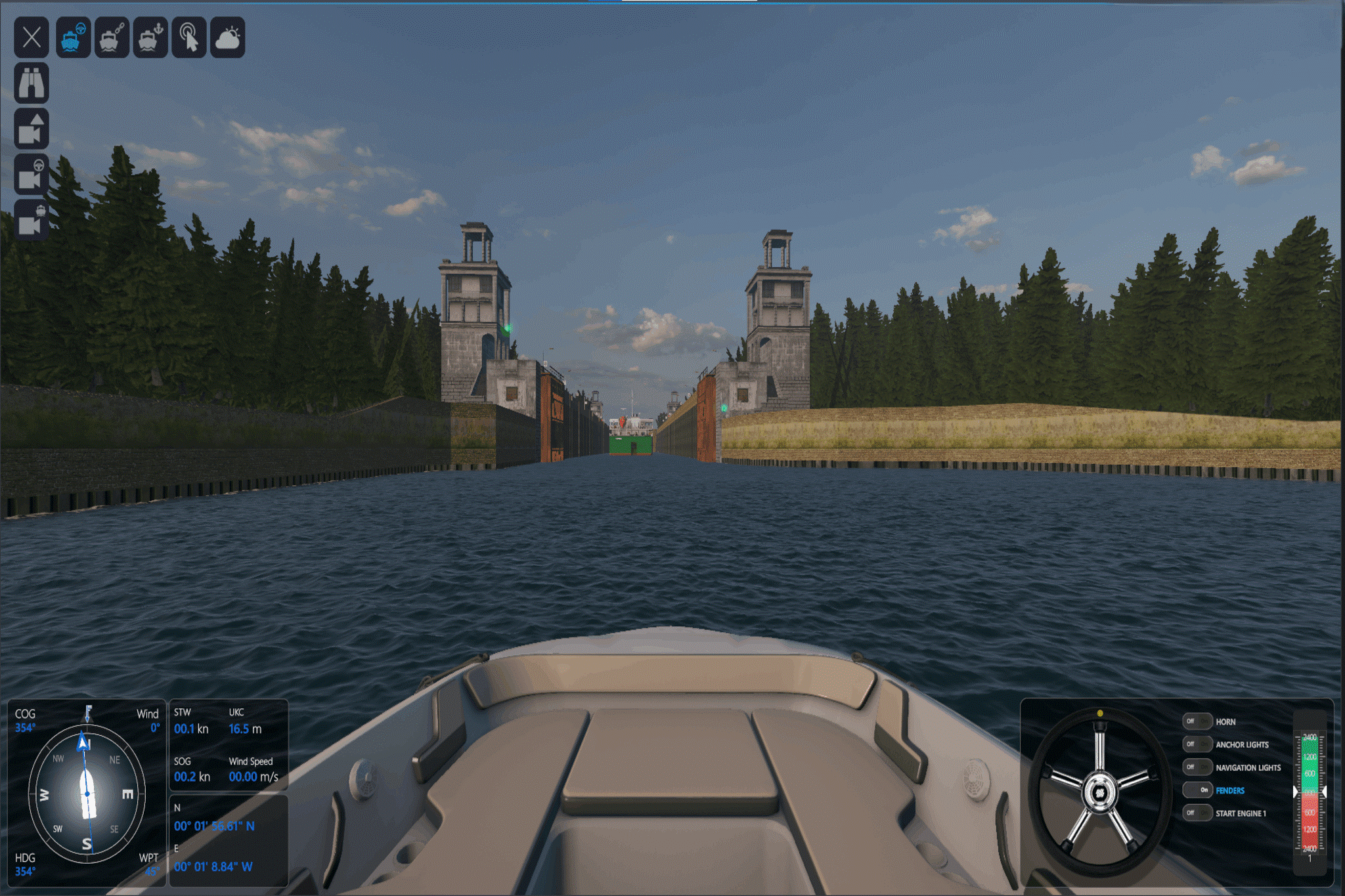
- Passage through the gateway
Simulated models
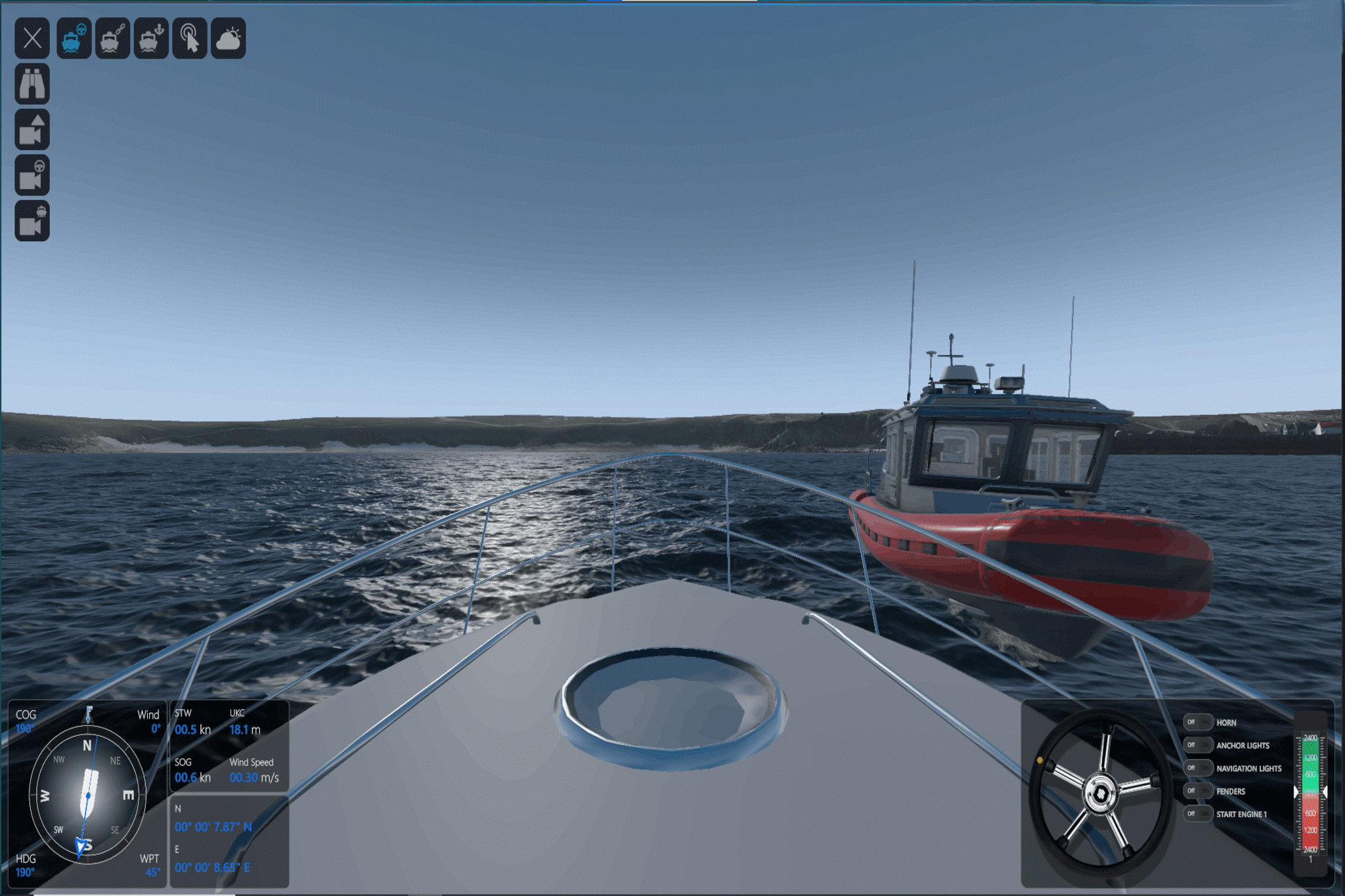
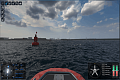
The simulator features 3D models of active vessels:
- single-engine boat,
- twin-engine boat,
- motorboat,
- pleasure craft.
- single-engine boat,
- twin-engine boat,
- motorboat,
- pleasure craft,
- large-tonnage vessels,
- sailing yacht,
- personal watercraft (jet ski),
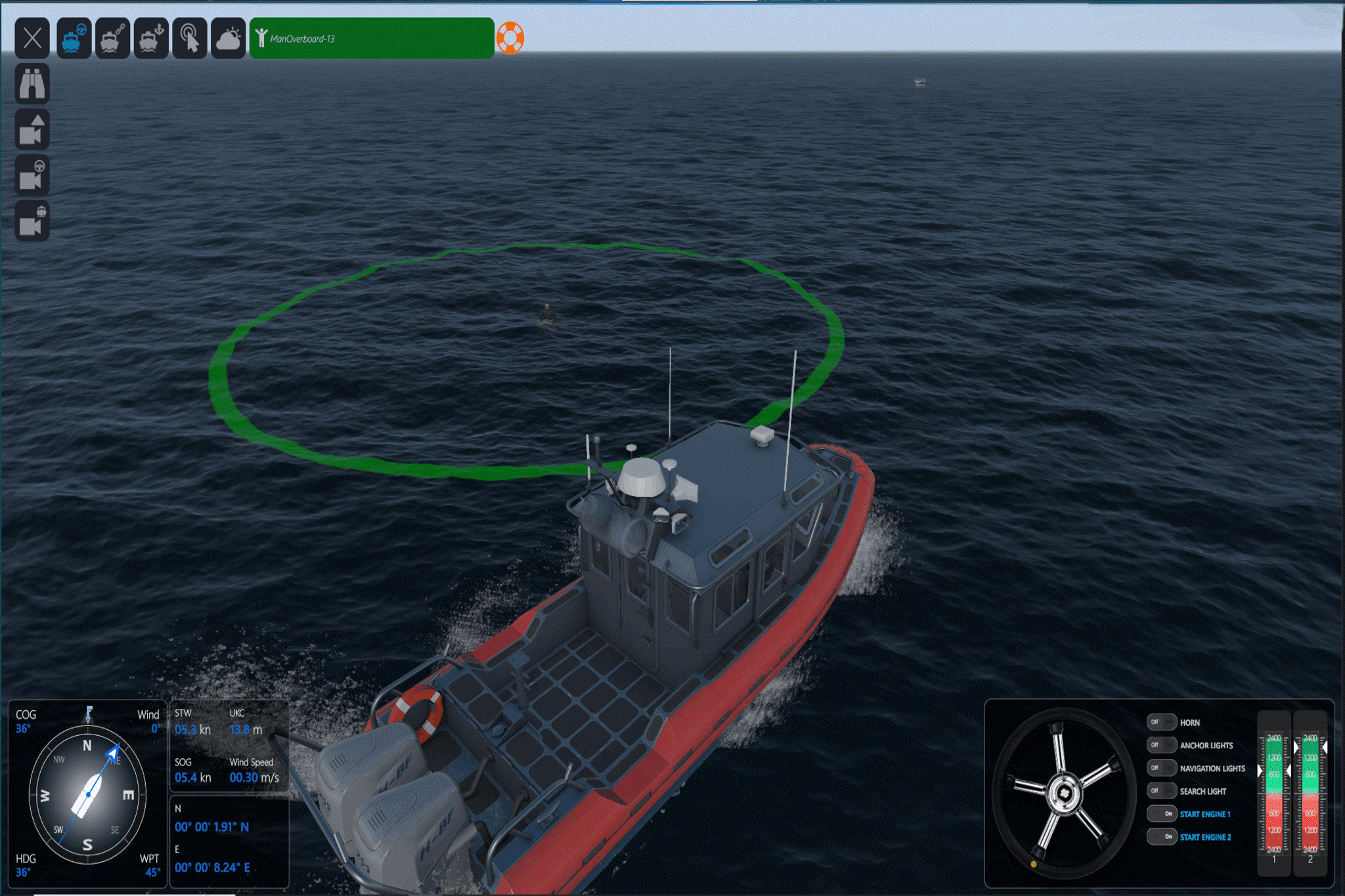
- man overboard.
Exercise areas
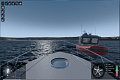
- Open sea area.
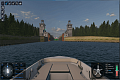
- District approach from sea to port and marina.
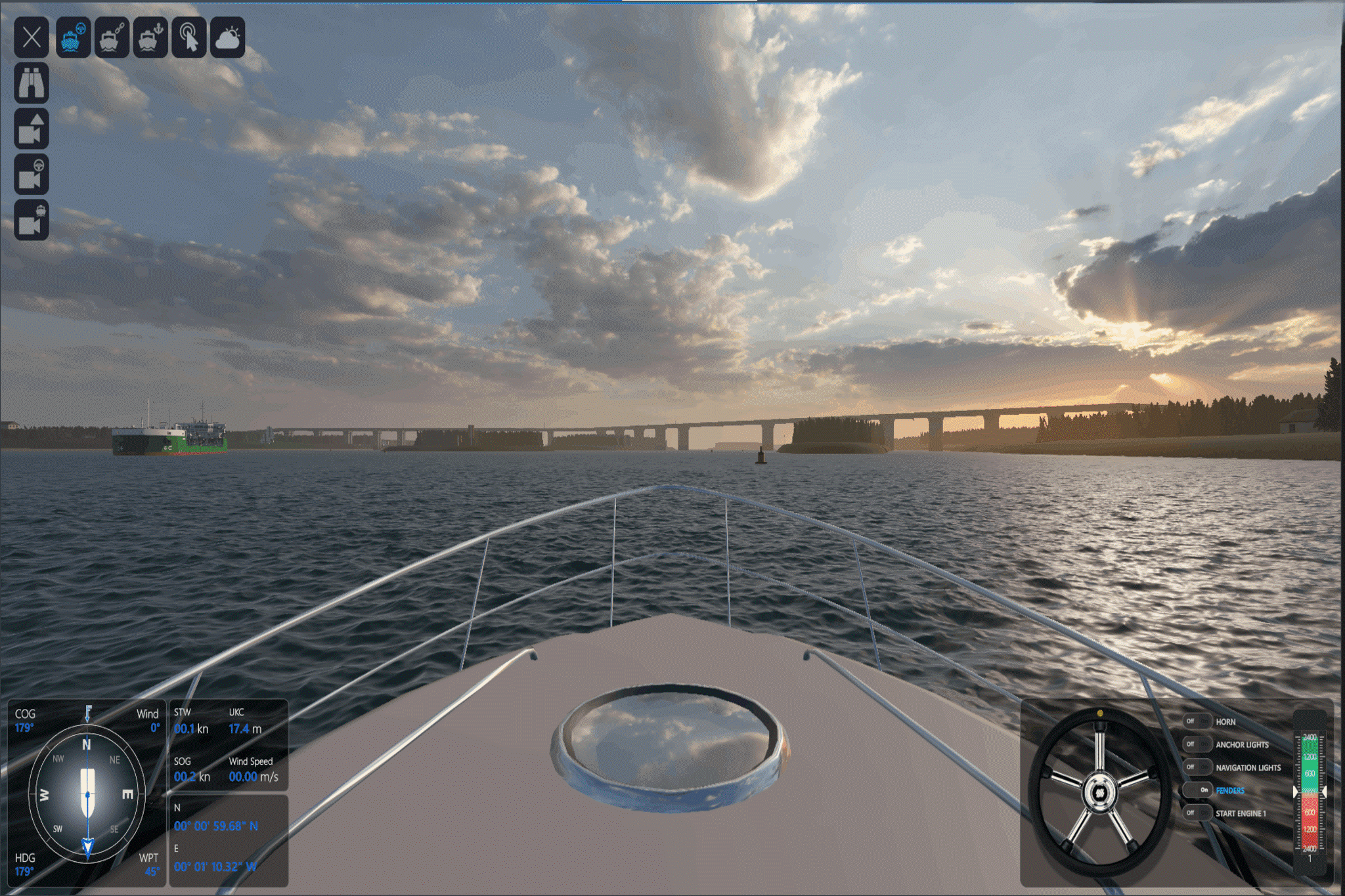
- An area of Inland waterways with access to the sea, gateway and bridge.
- A sea area with an island and a mooring location for small and pleasure craft.
Configuration
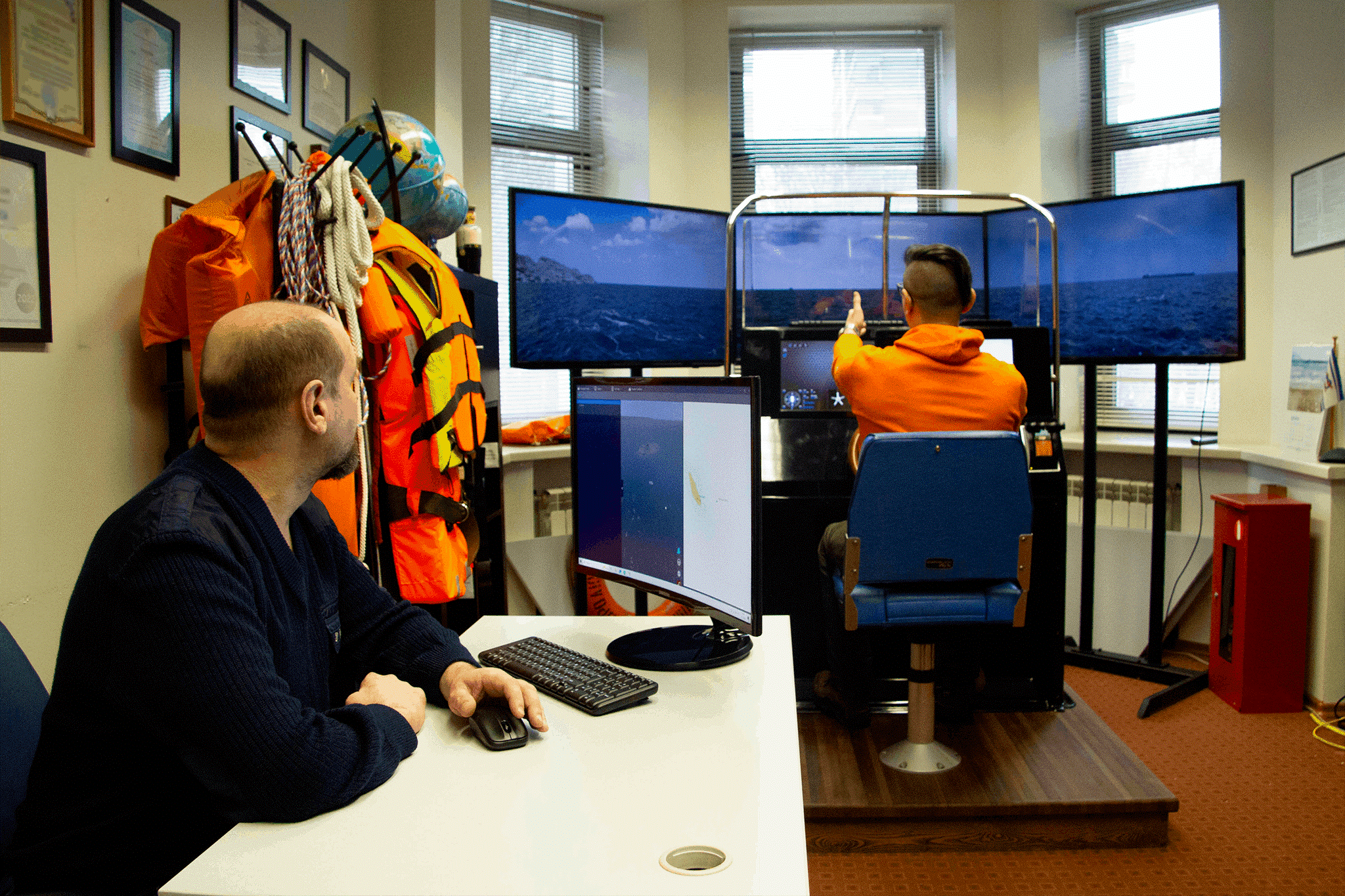
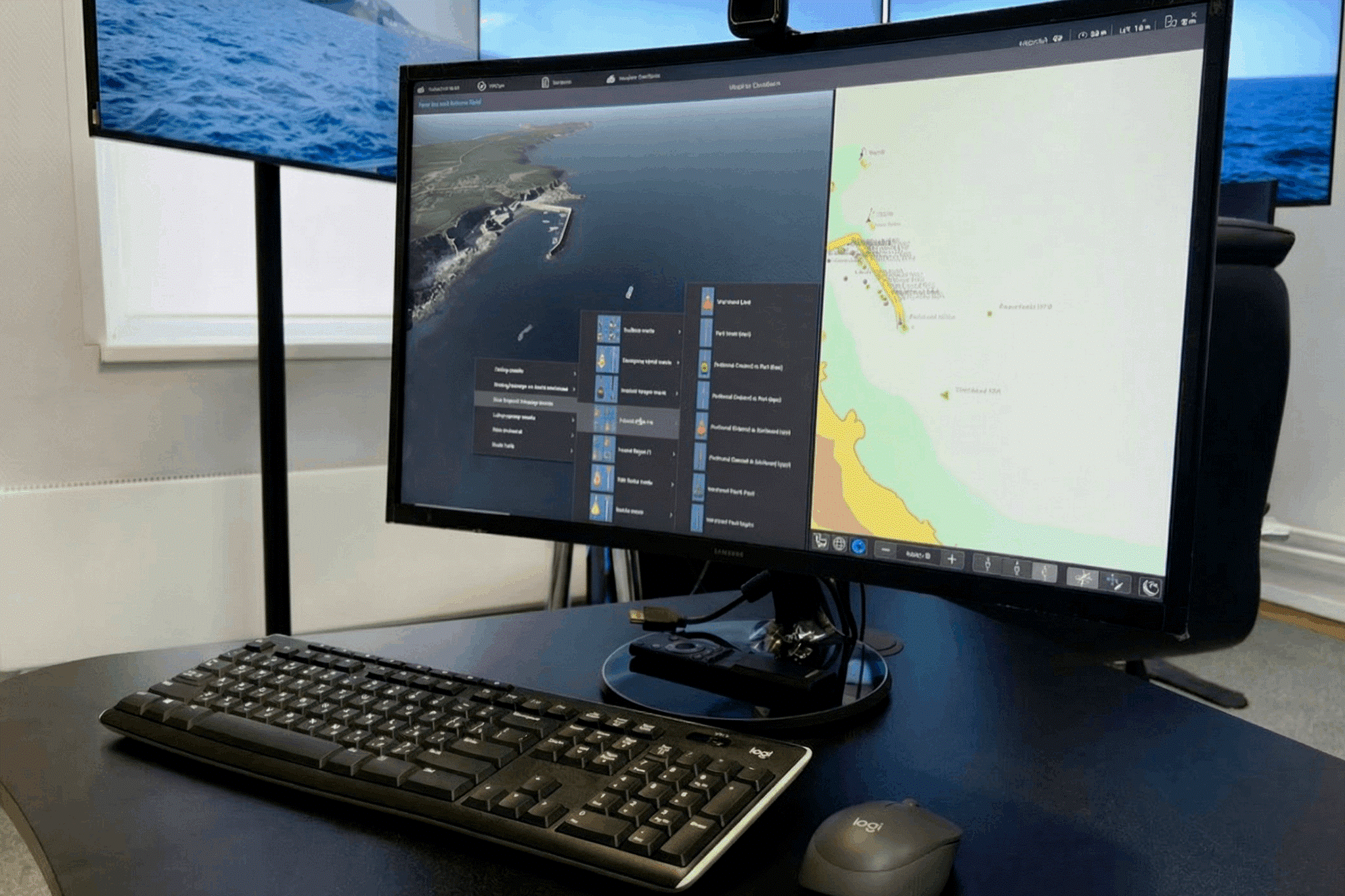
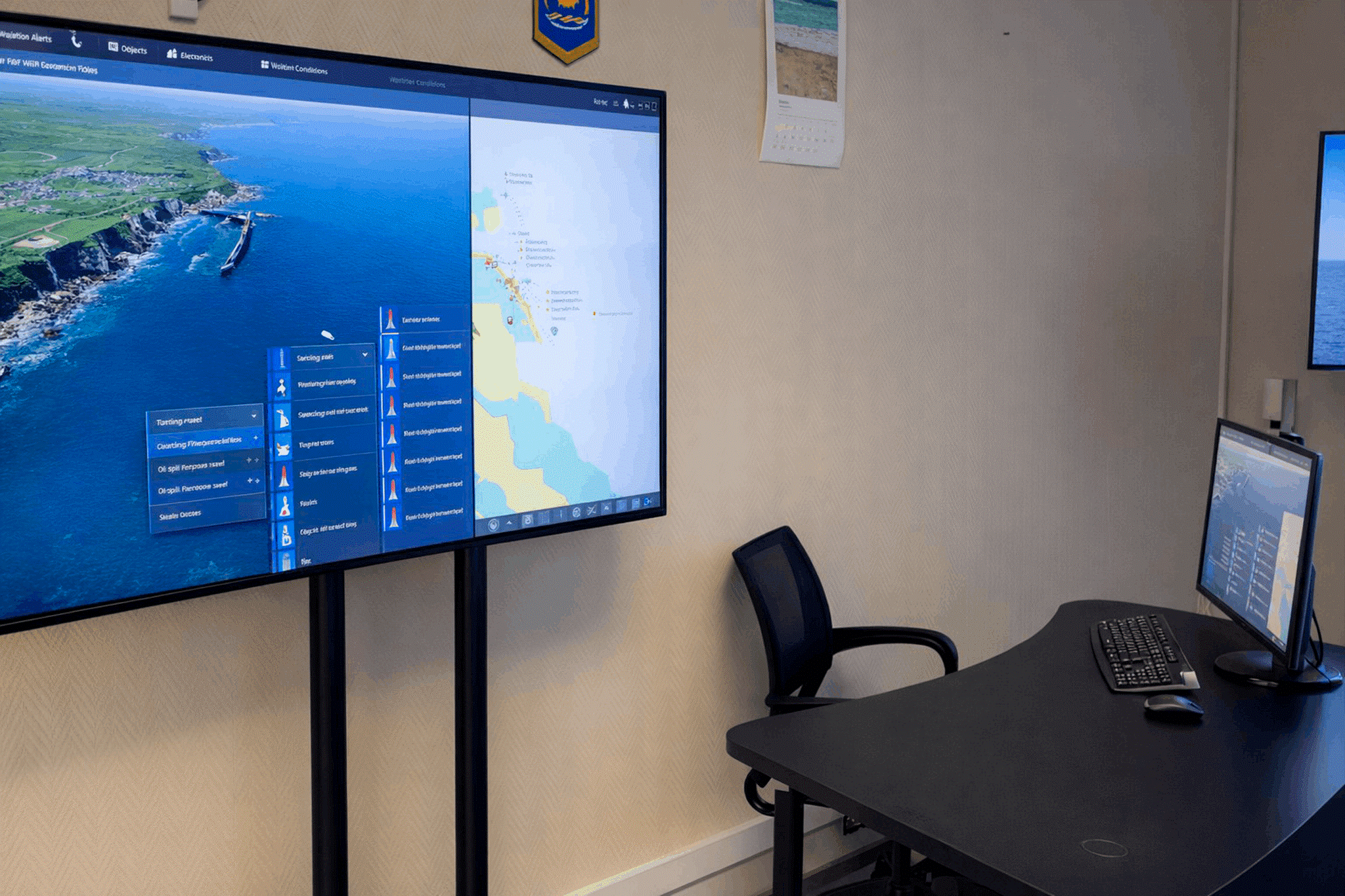
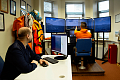
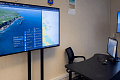
The simulator consists of the Instructor Workplace (IWP) software and one or several Students Workplaces (SWP) interacting with each other via a local network. The minimum recommended simulator configuration is: 1 Instructor WorkPlace and 2 Student Workplaces (for ex. 1 SWP Base version + 1 SWP Compact version).
Instructor Workplace (IWP) manages the process of training the student.
IWP provides:
- choice of exercises and adjusting the initial parameters
- hydrometeorological conditions,
- time of the day,
- location of navigation marks,
- placement and movement trajectories of target vessels;
- adjustment of initial exercise parameters:
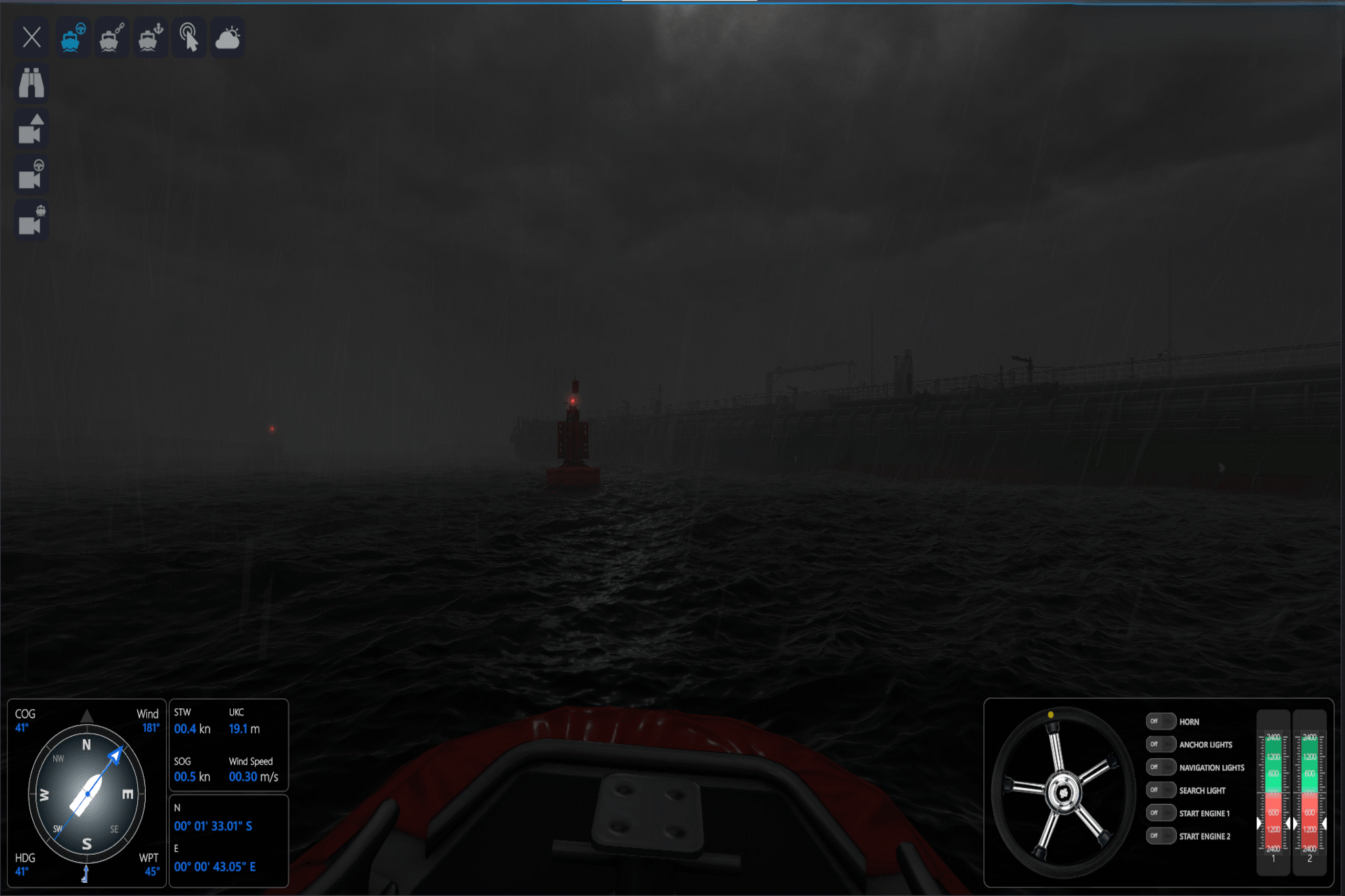
- change the force and direction of the vessel's drift, wave height, and time of day; introduce fallout and visibility restrictions;
- entry of new target vessels;
- assign active vessels to students for control.
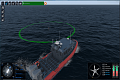
- visual control of the students exercising with the help of virtual cameras;
- active management of the student’s vessel.
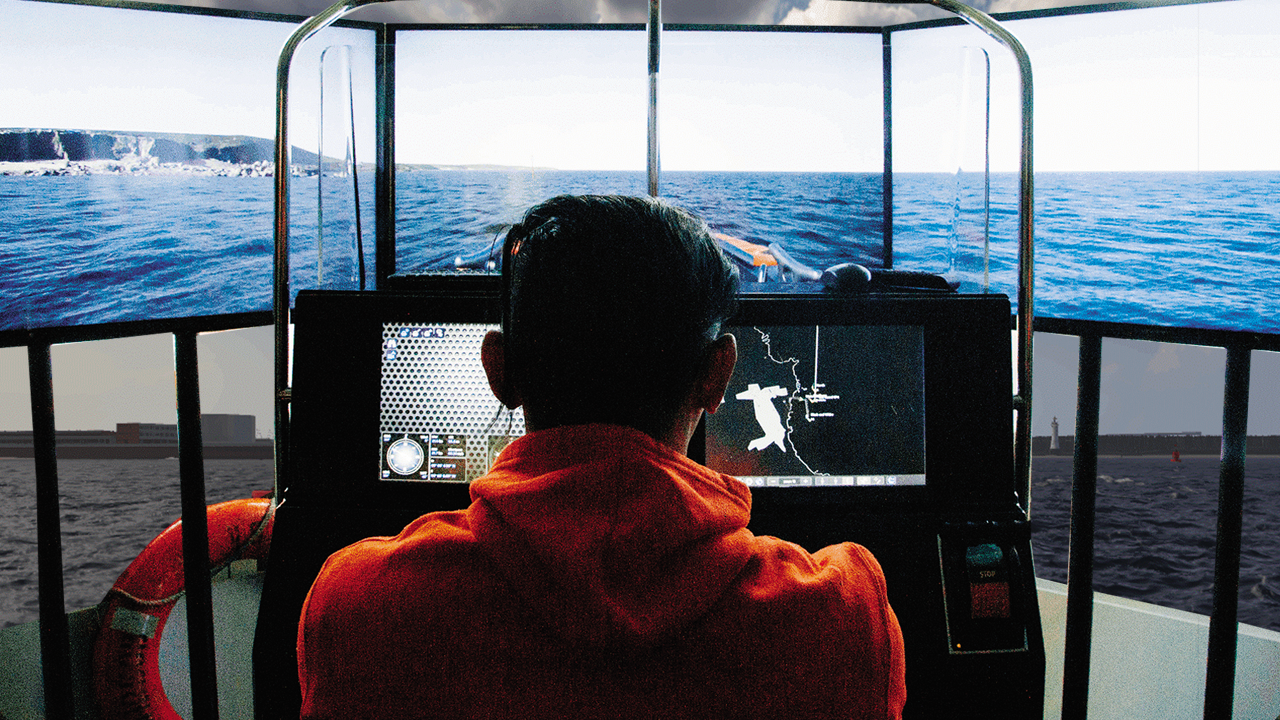
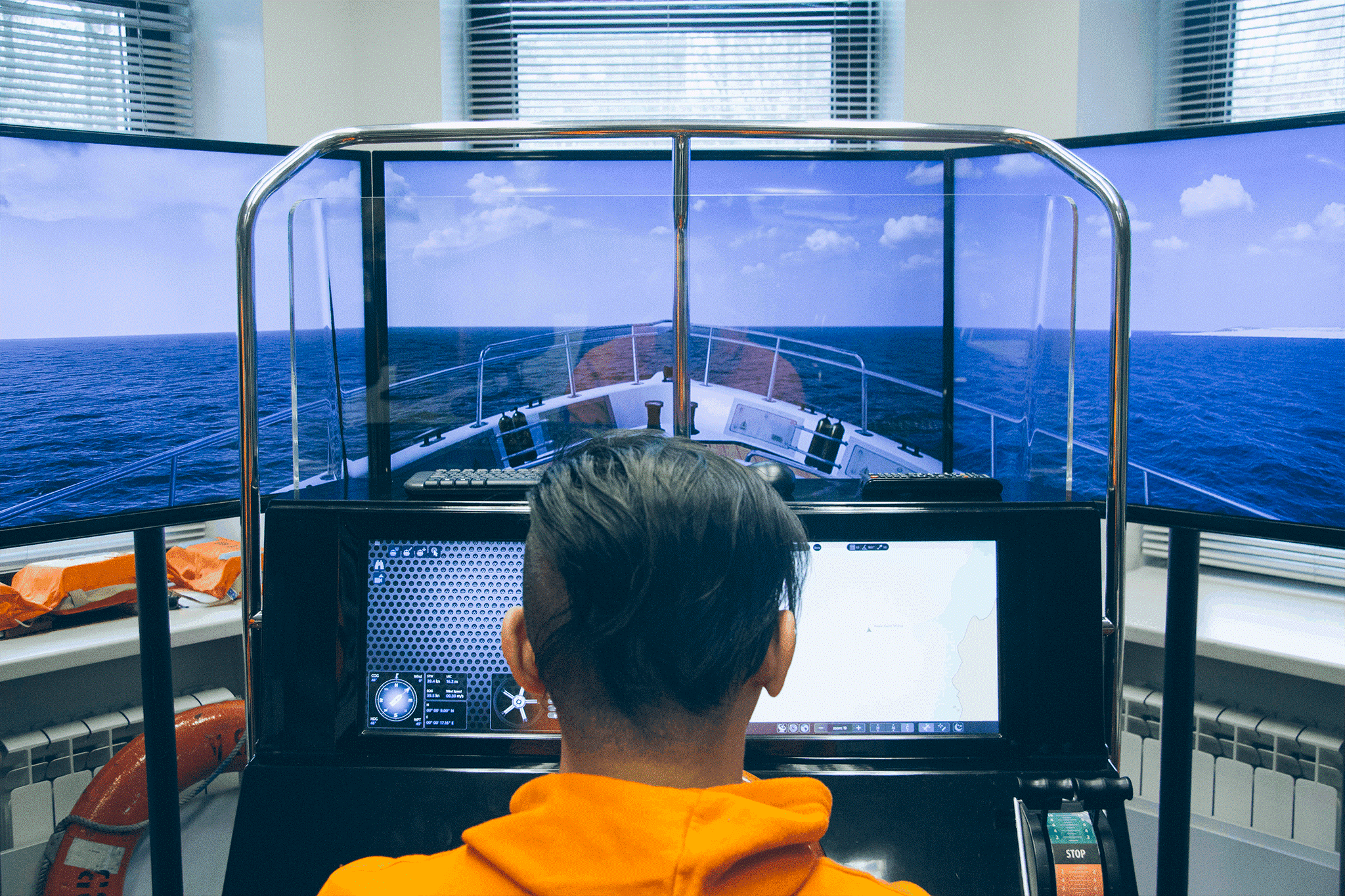
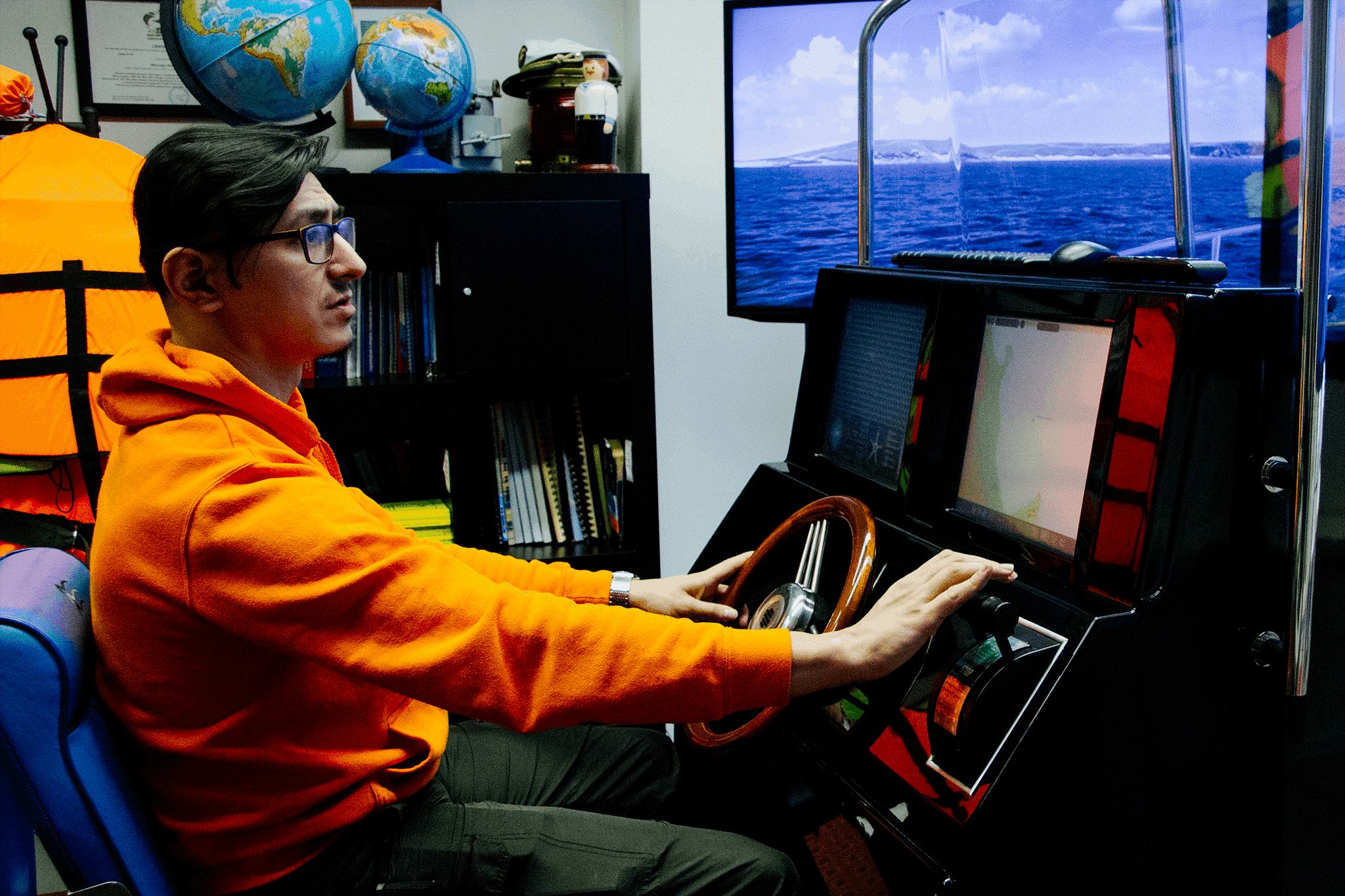
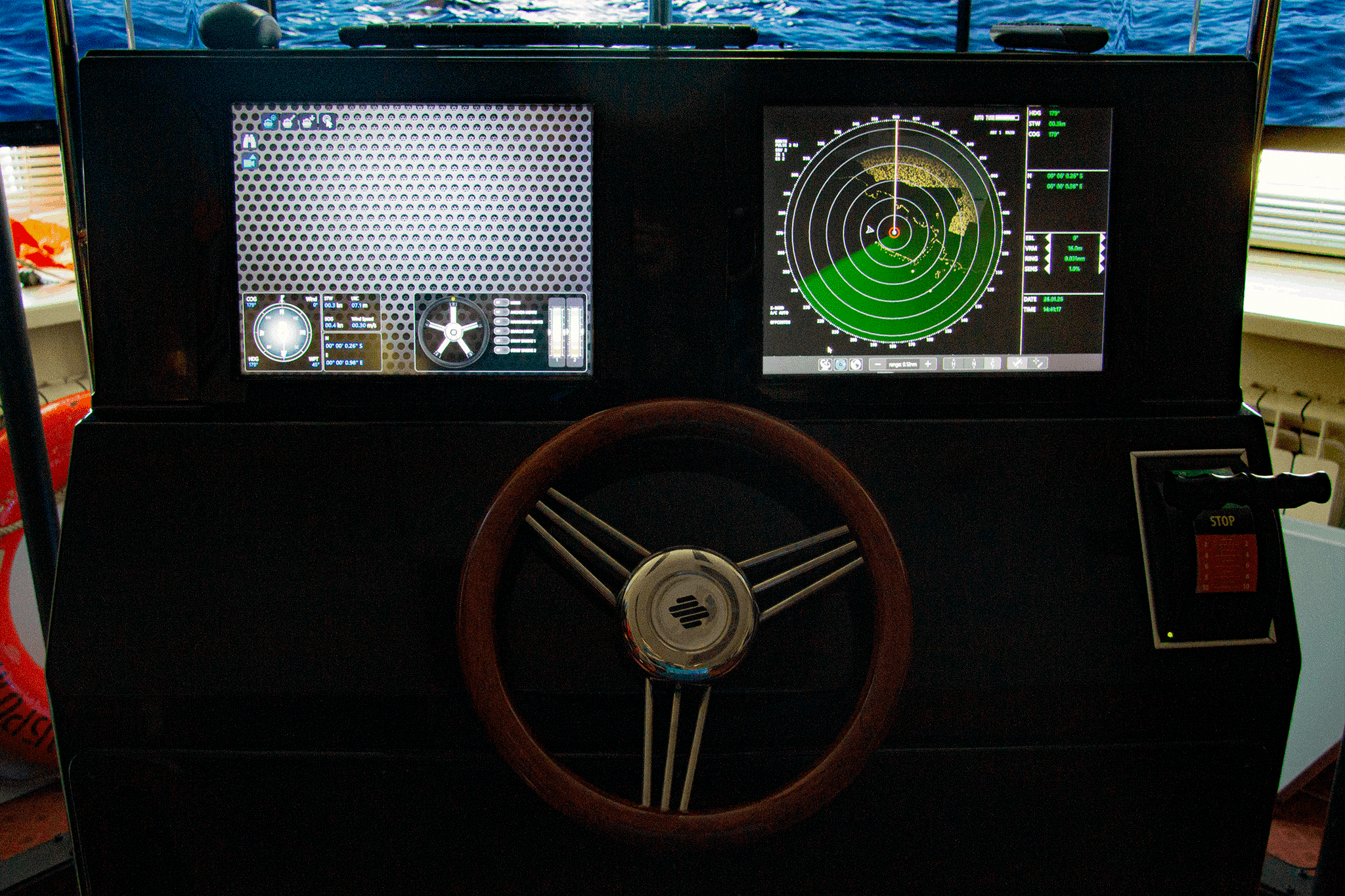
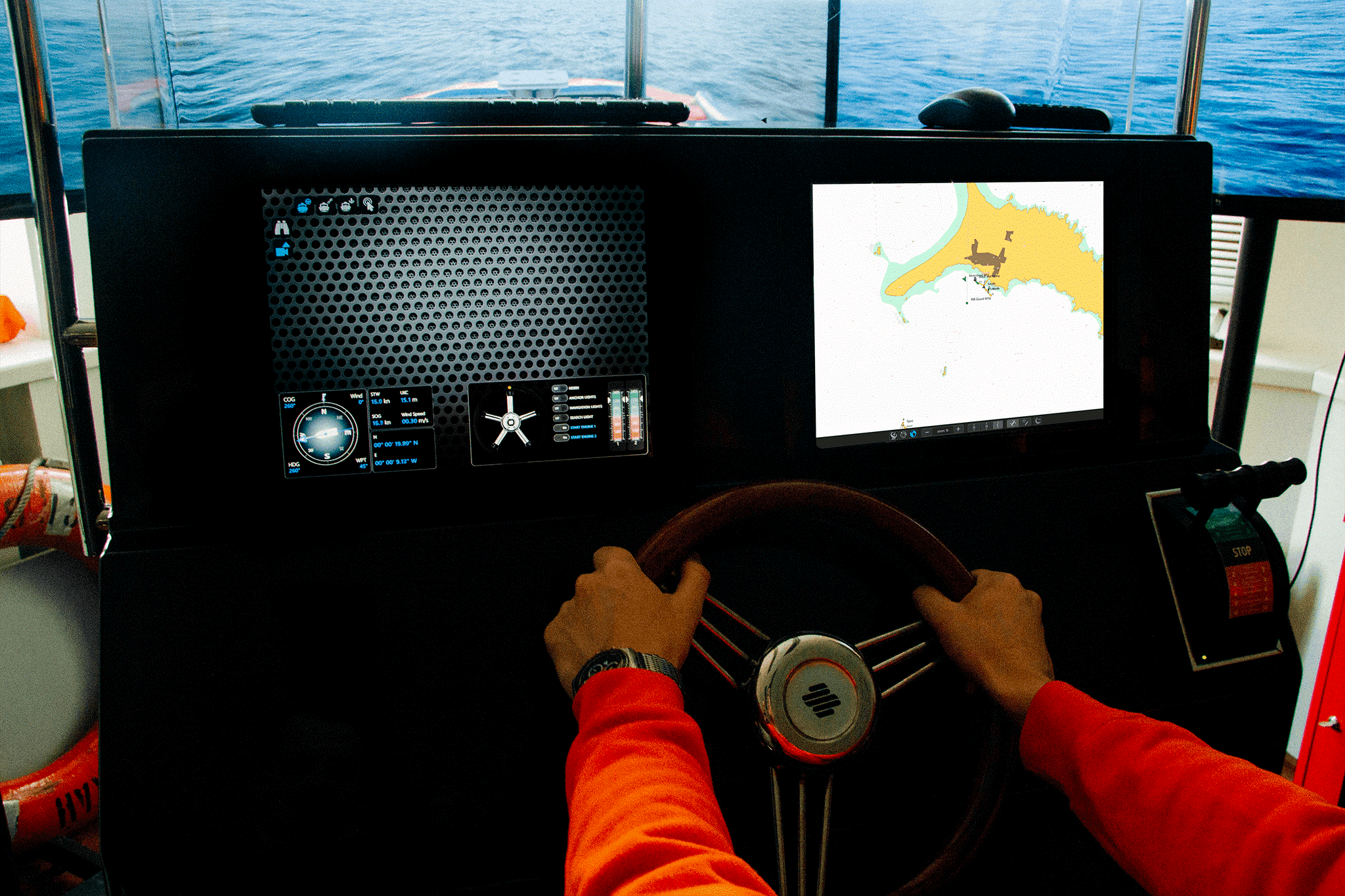
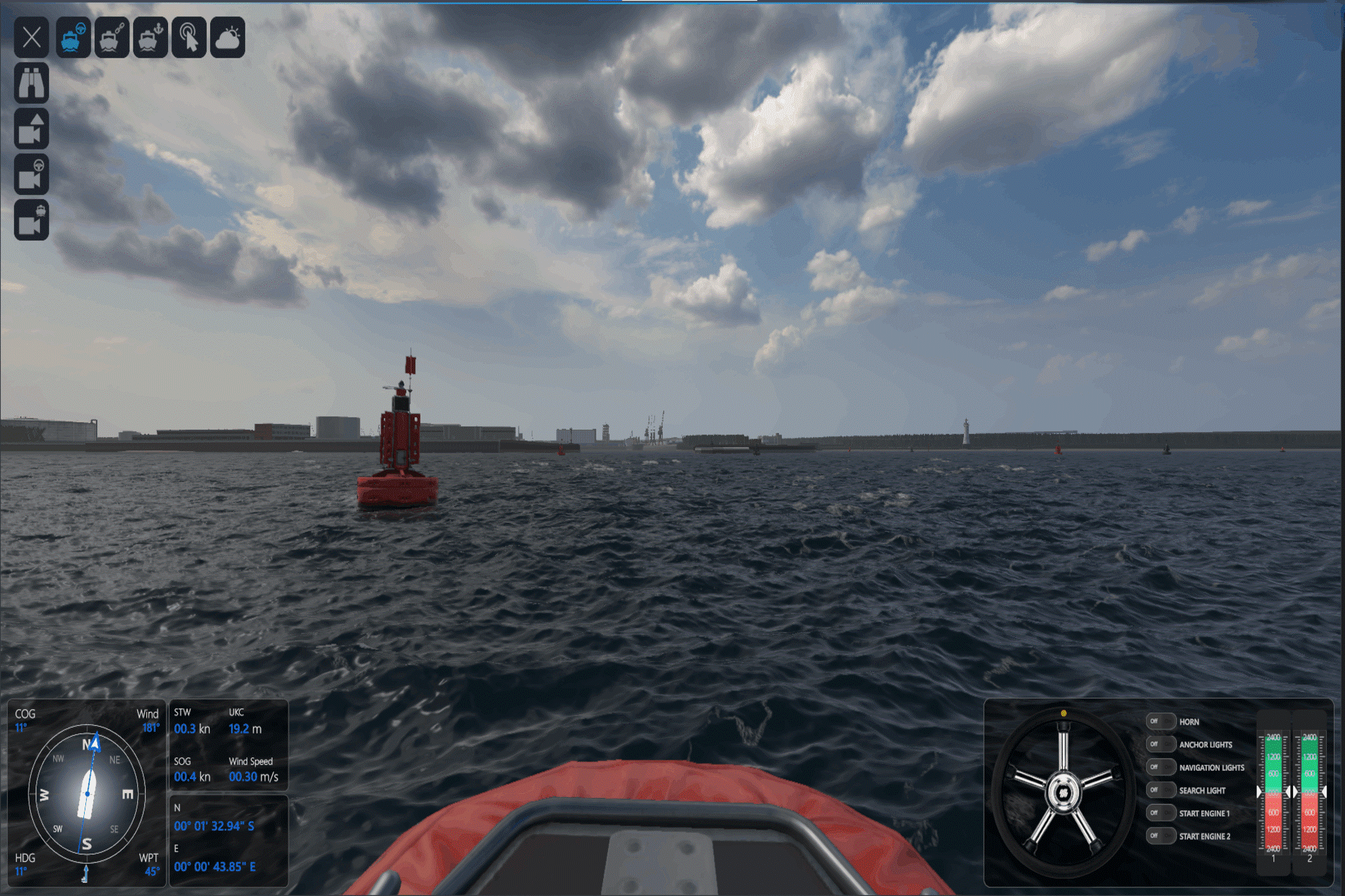
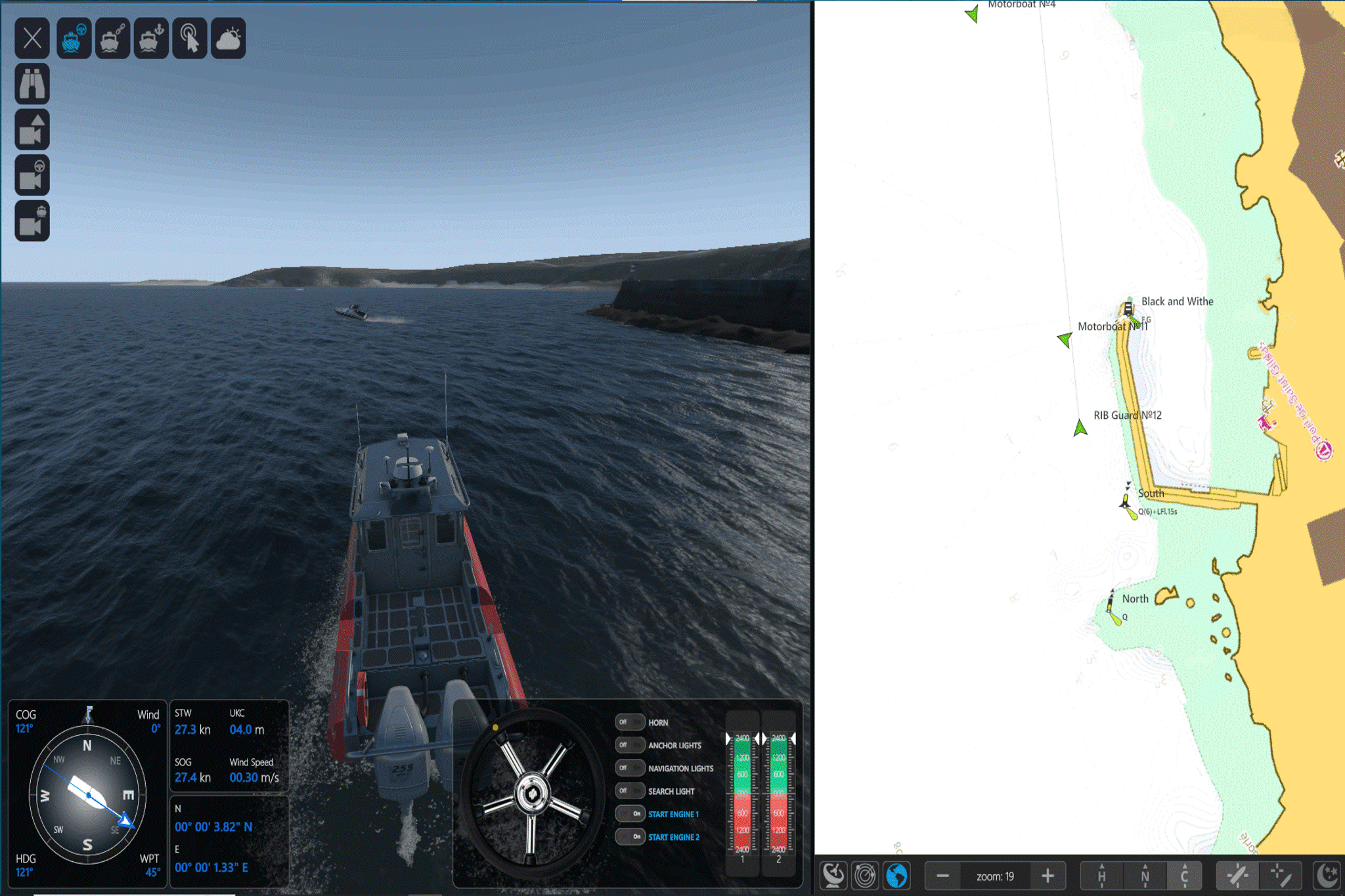
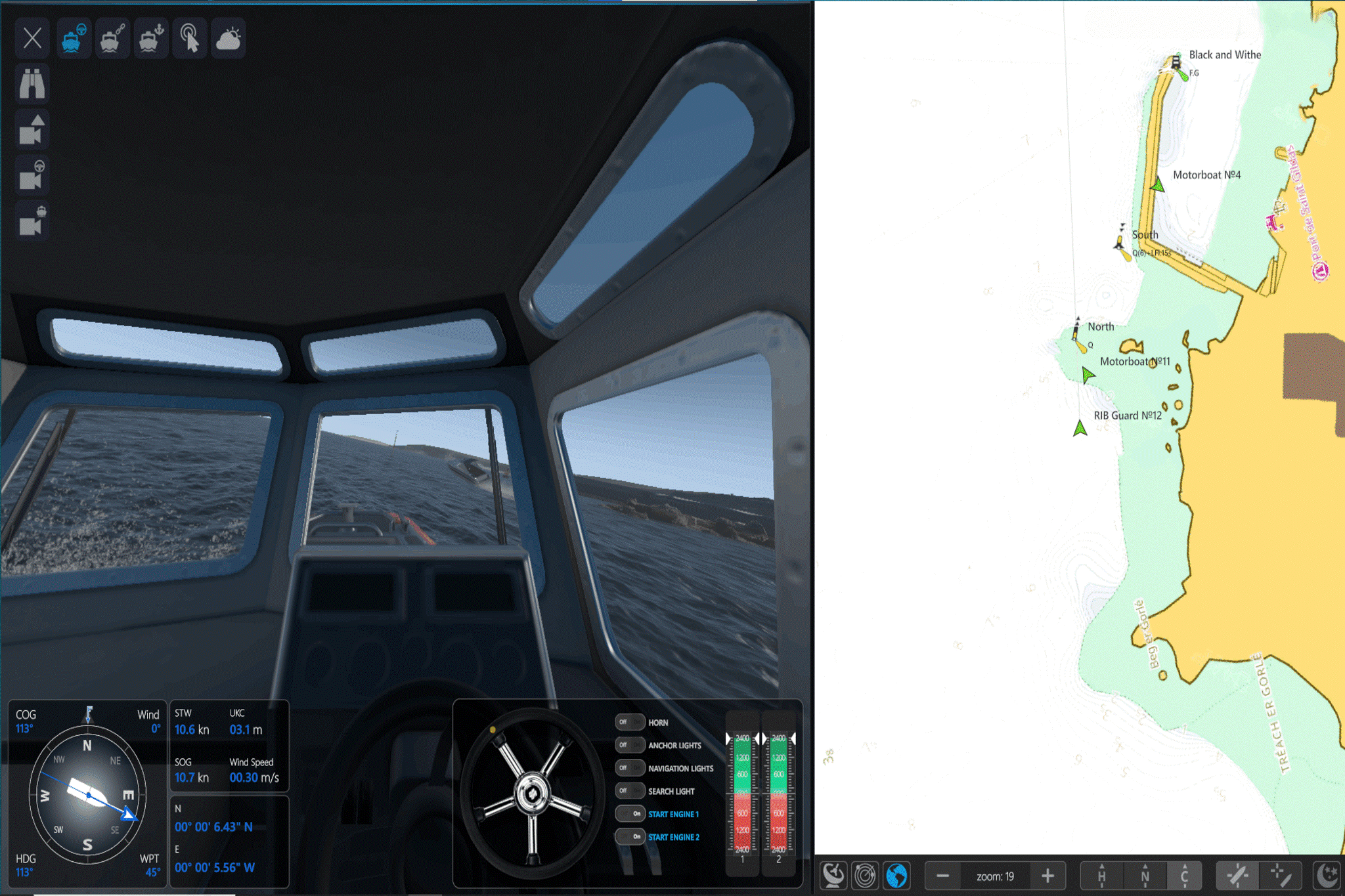
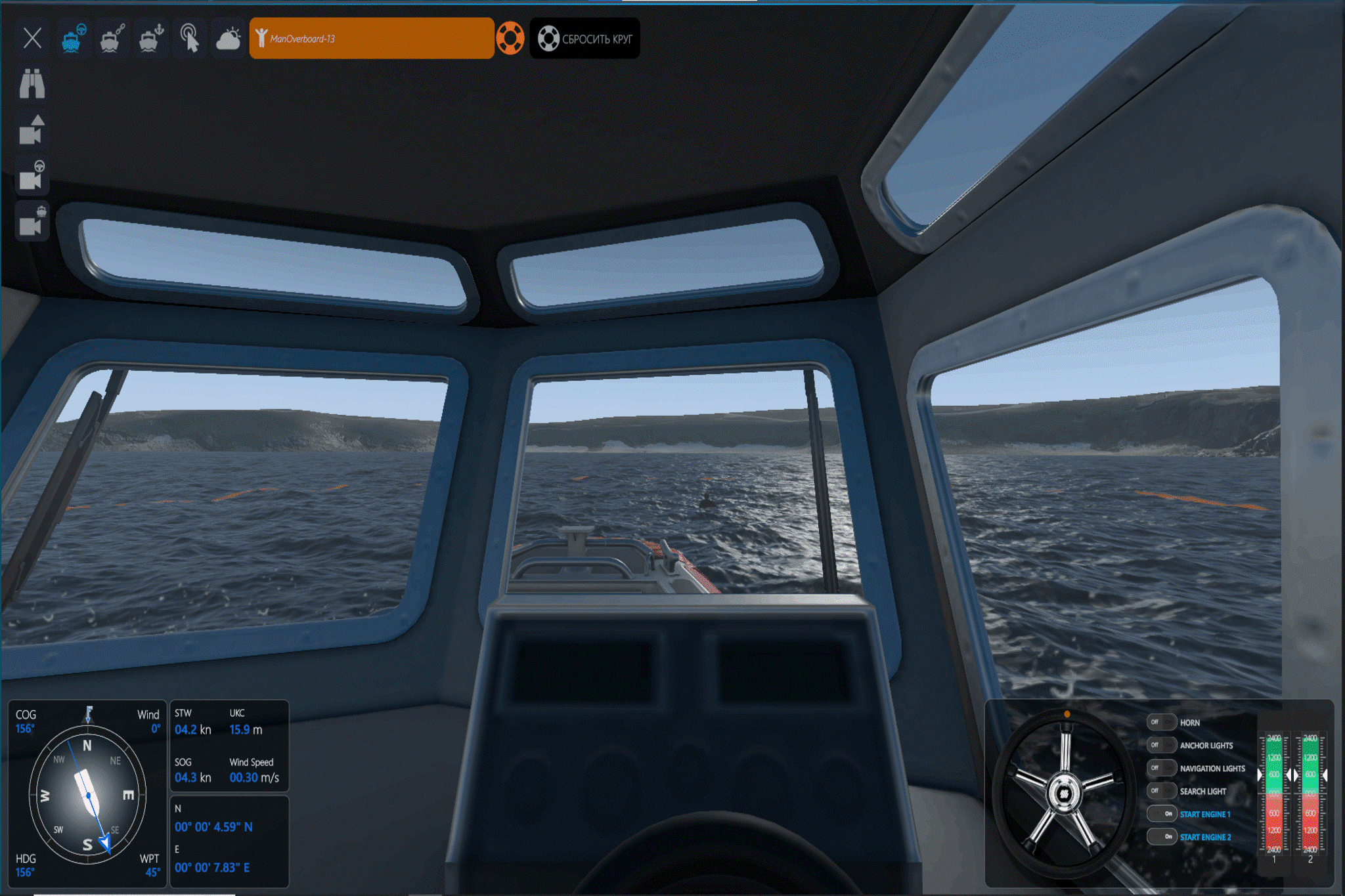
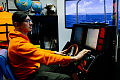
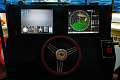
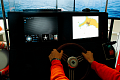
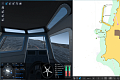
On the student workstation, the following are simulated: visualization of the surface environment and a vessel control panel, including:
- magnetic compass repeater,
- remote control unit for one and two engines,
- steering wheel,
- control buttons for navigation lights,
- speed log,
- radar display,
- chart plotter display.
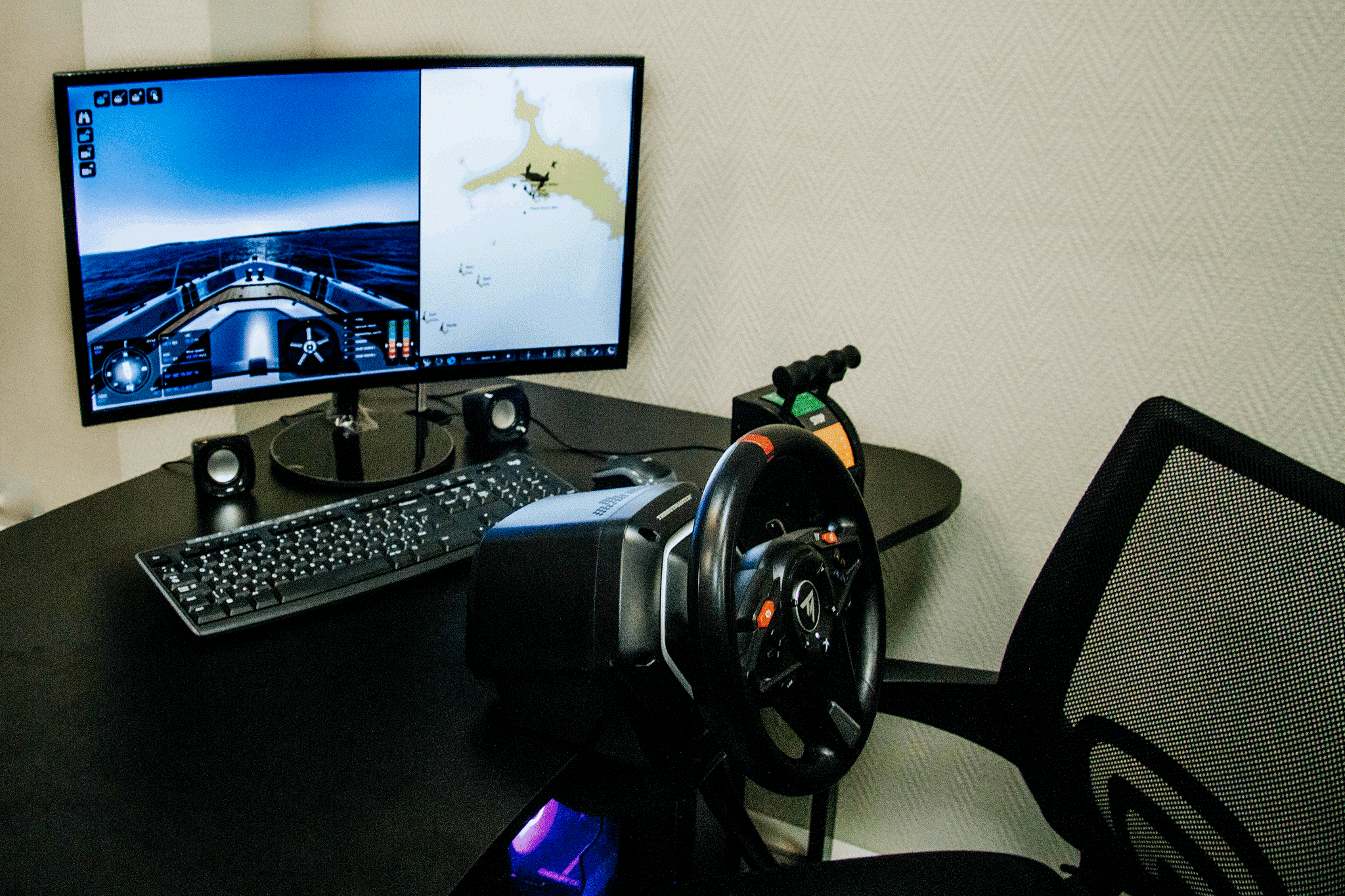
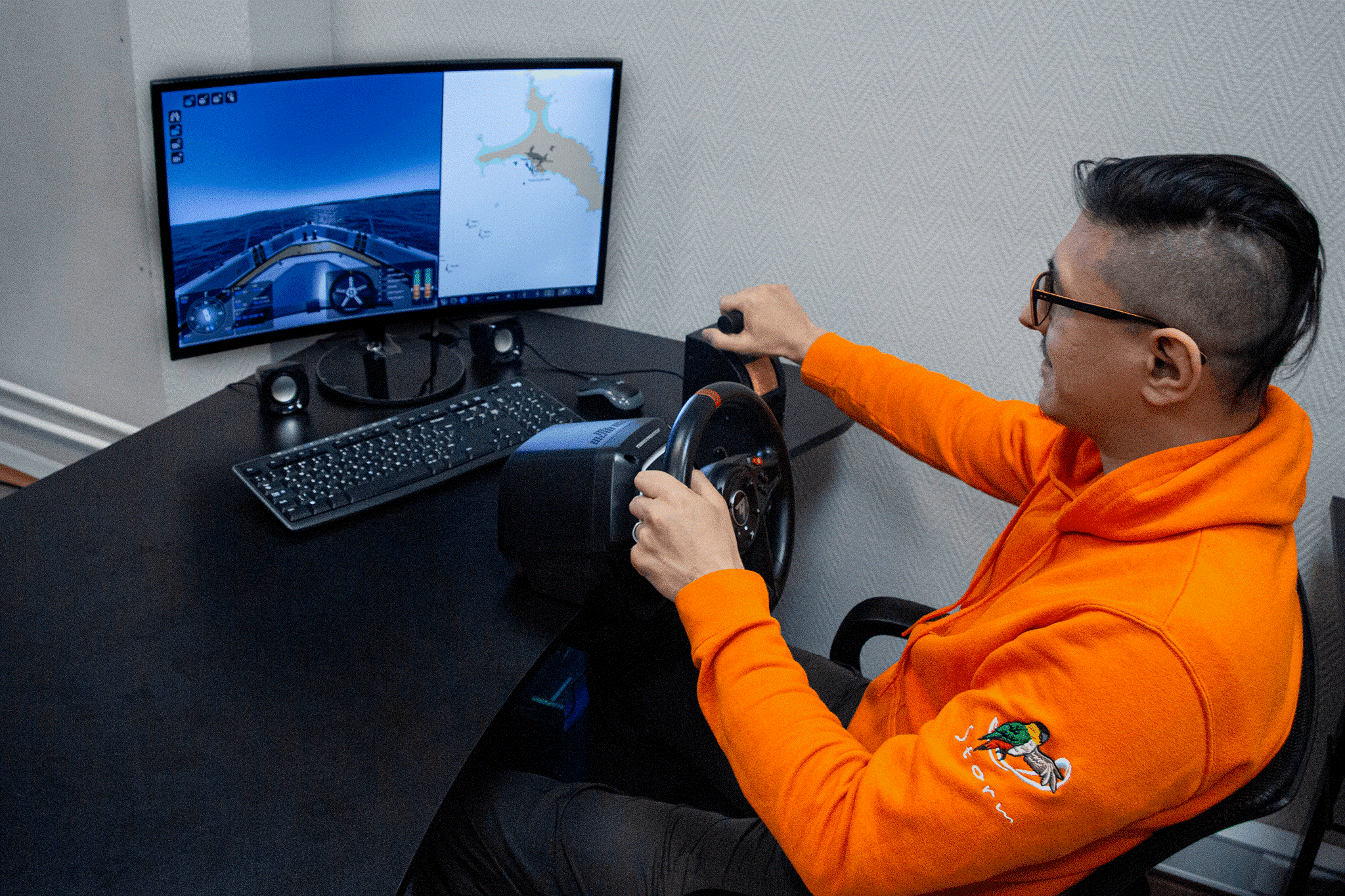
The student workstation can be configured in Base or Compact versions.
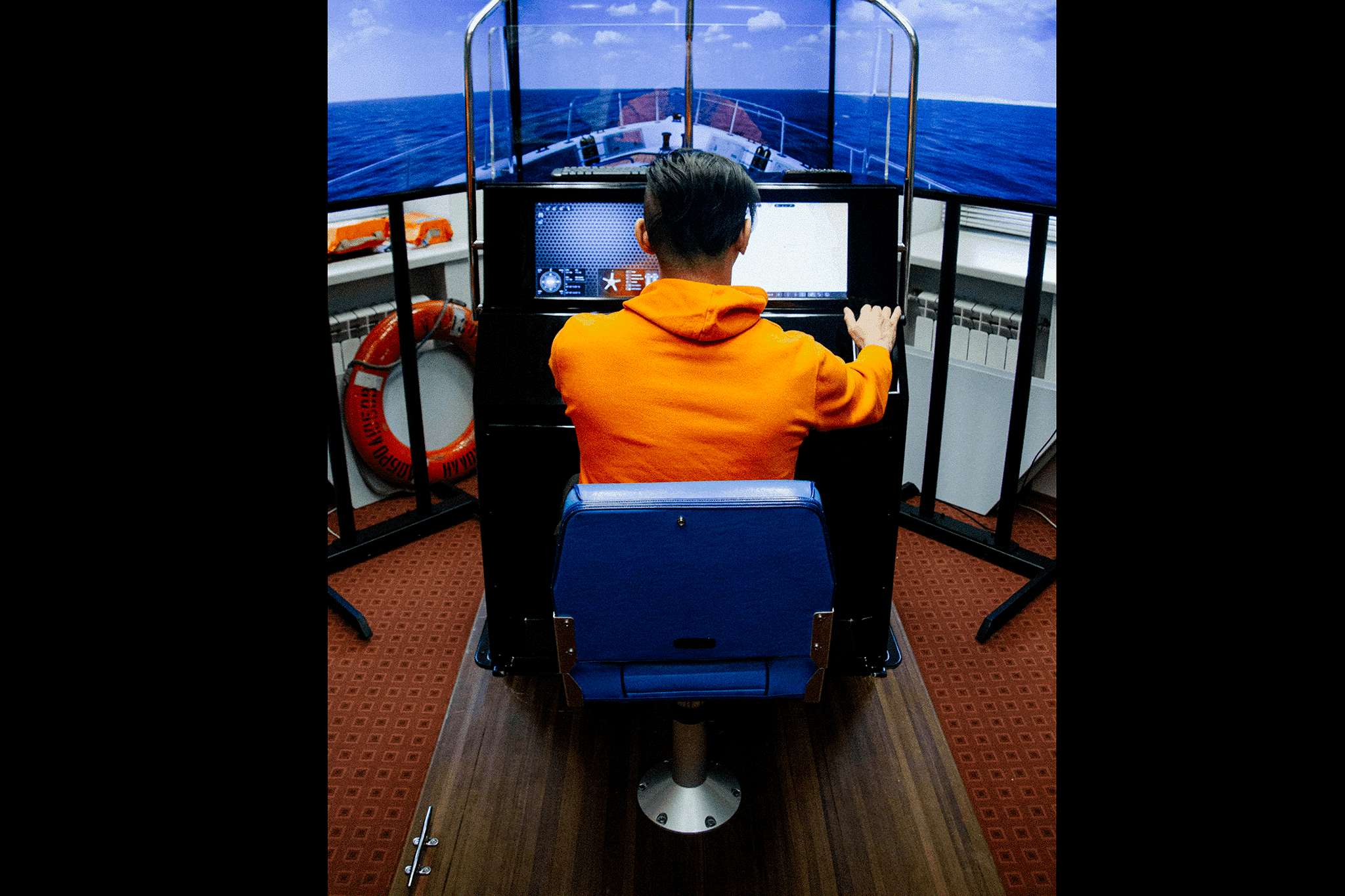
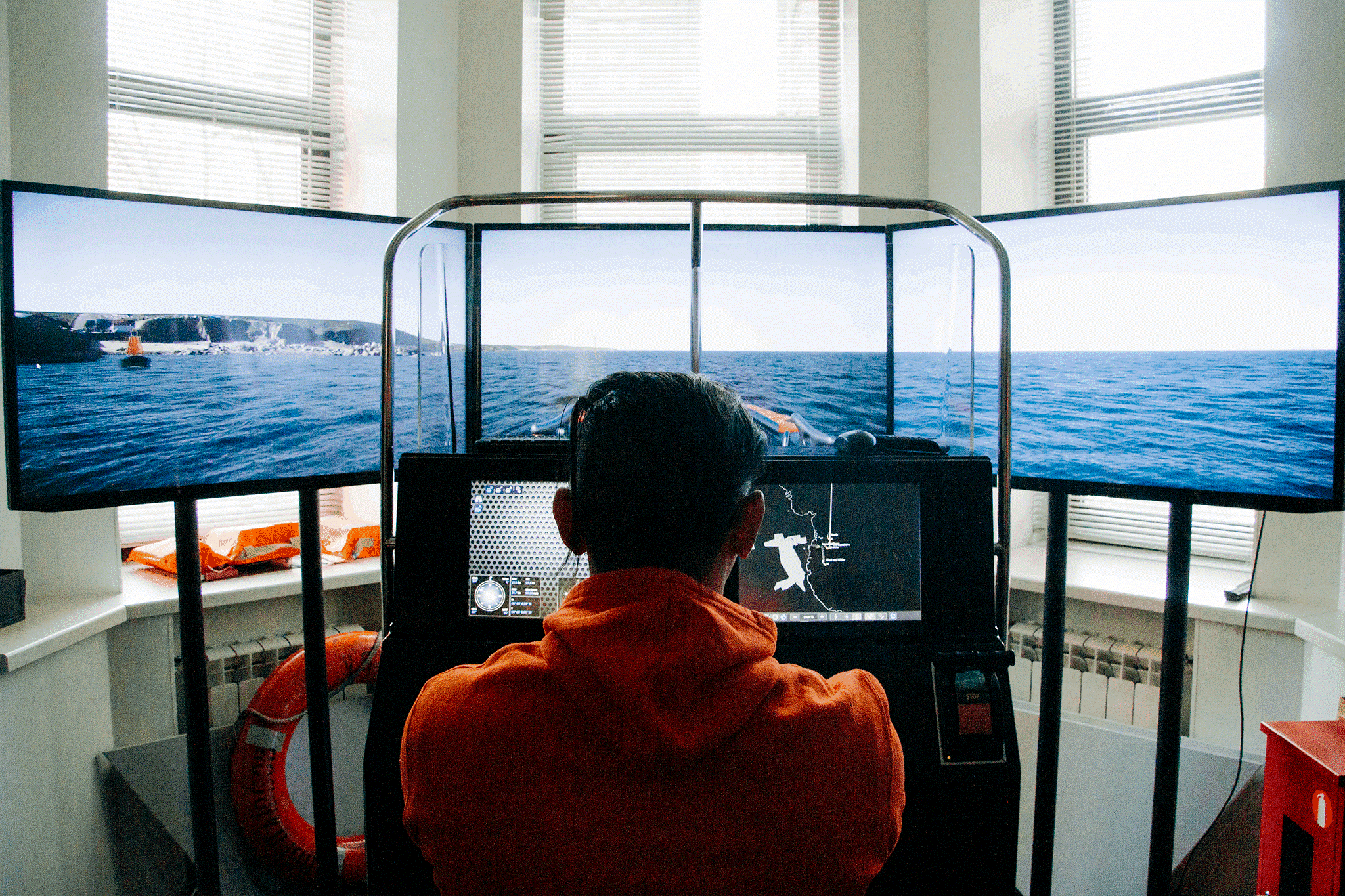
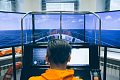
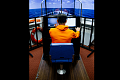
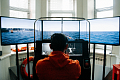
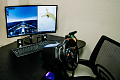
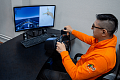
In the Base version, the control panel is implemented as a hardware console based on steering stand with an integrated steering wheel, engine throttle, and two touchscreen displays. These displays simulate the control units and navigation instruments, as well as the radar and chartplotter displays. The visualization of the surface environment is displayed on LCD TVs.
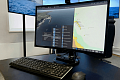
In the Compact version, the control panel and visualization of the surface environment are implemented on a single monitor screen. Steering is carried out with the help of standard throttle and mouse.
Documentation
The simulator is supplied with a set of technical and operational documentation, including a user manual and methodical guidelines for conducting practical training.
Regulations
- COLREGS
- IALA
- CEVNI